
WORDPRESS REDIRECTION & ANALYTICSRedirect Visitors to the Right Destination — Automatically.
One Plugin. Smarter Redirects. Better Insights.WordPress Device Redirect Pro
Enhanced WordPress Voting With Payment gives you the tools to run a professional paid voting campaign directly from your existing WordPress website.
Everything You Need to Run Paid Voting
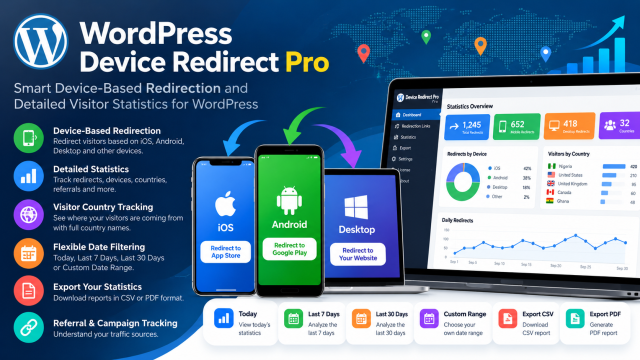
Device-Based Redirection
Send visitors to the right destination based on their device.
Visitor Analytics
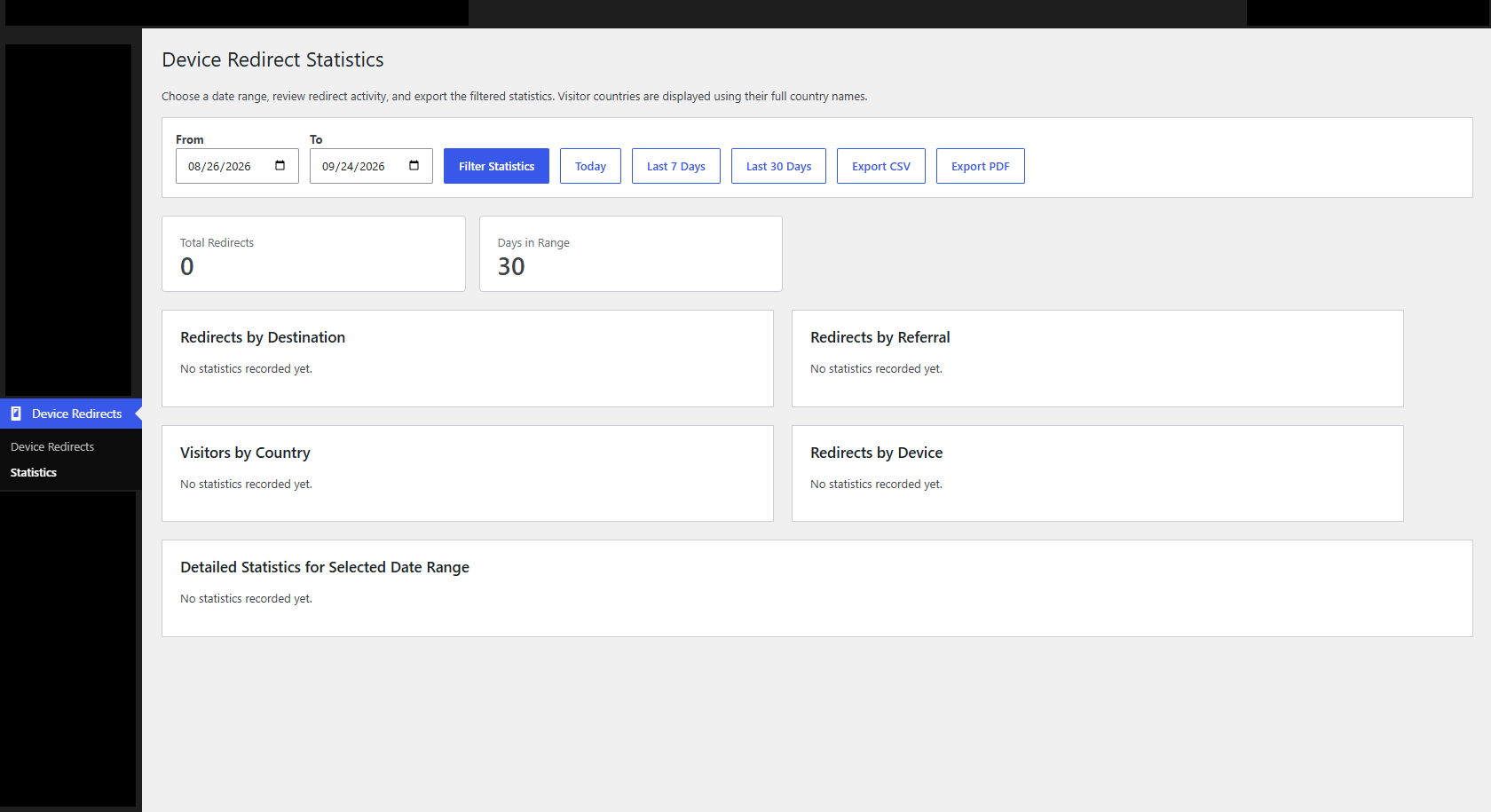
Understand your redirects with detailed statistics.
Referral Tracking
Know where your visitors are coming from.
Country Tracking
See visitor locations using full country names.
Are You Sending Every Visitor to the Same Link?
An iPhone user may need your App Store link.
An Android user may need your Google Play link.
A desktop visitor may need your website instead.
Sending everyone to the same destination creates unnecessary friction.WordPress Device Redirect Pro solves this.
Your Redirects. Your Data. Your Insights.
Monitor Your Performance
See how many times your links have been used and understand which destinations are receiving the most traffic.
Understand Your Audience
Discover:
- Which devices visitors use
- Which countries generate traffic
- Which referral sources send visitors
- How traffic changes over time
Make Better Marketing Decisions
Use your redirect data to understand campaign performance and identify where your visitors are coming from.
How It Works
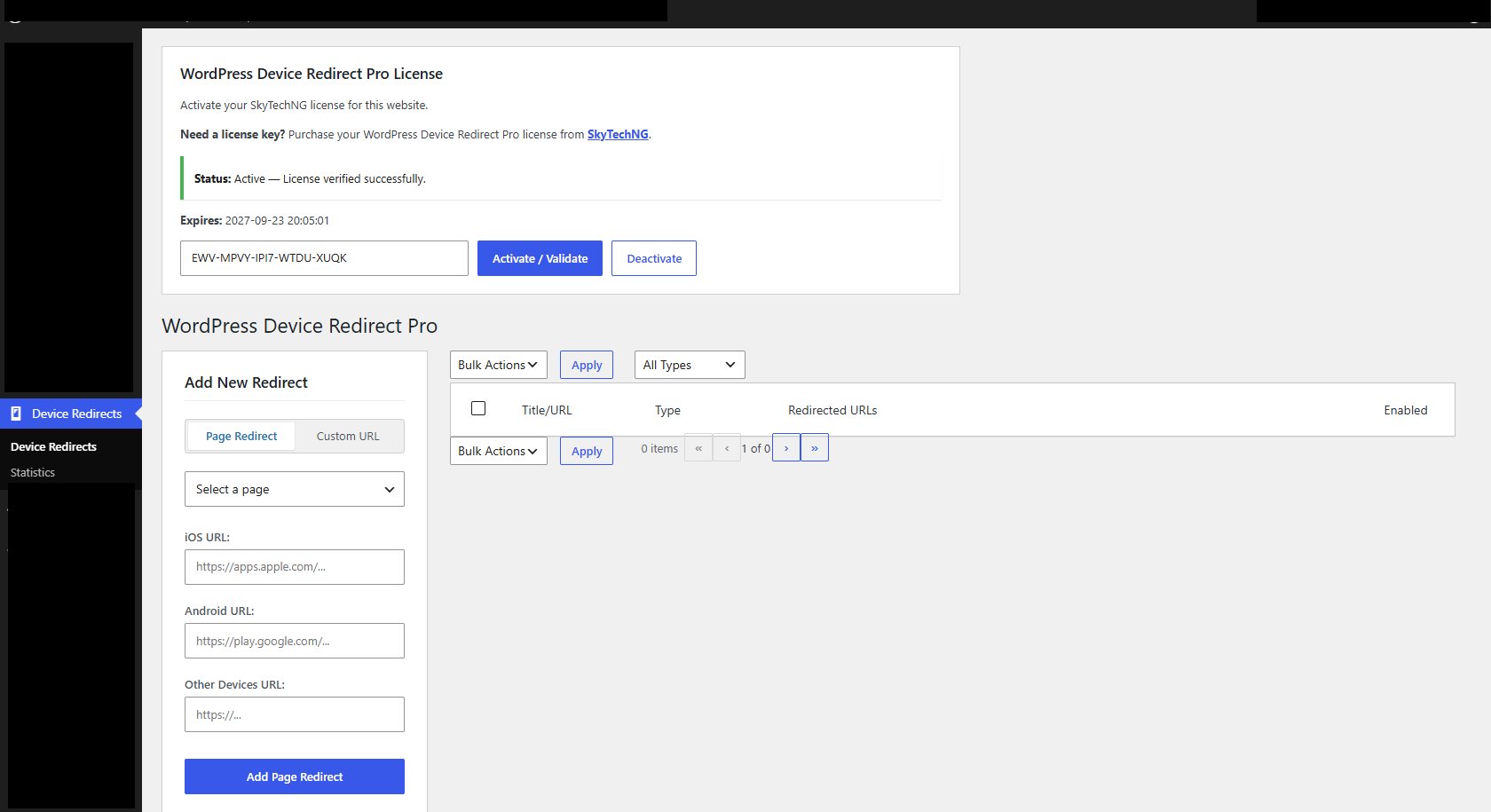
01 — Create Your Redirect
Create a redirect URL and specify the destinations for your different devices.
02 — Share One Link
Use your smart redirect URL on your website, social media, advertisements, QR codes, emails, or marketing campaigns.
03 — Let WordPress Do the Work
WordPress Device Redirect Pro identifies the visitor’s device and sends them to the appropriate destination while recording the redirect in your statistics.
More Than a Redirect Plugin
 WordPress Device Redirect Pro goes further.
Redirect
Send visitors to the right destination.
Detect
Identify the visitor’s device.
Track
Record redirect activity.
Analyze
Understand your traffic.
Export
Download your reports.
Improve
Use your data to make better campaigns.
Built for Different Types of Campaigns
Mobile App Downloads
Use one link for your app promotion and automatically send users to the correct app store.
Marketing Campaigns
Track traffic generated from your campaigns and understand visitor behavior.
QR Code Campaigns
Place one smart URL behind your QR code and let visitors automatically receive the appropriate destination.
Affiliate Marketing
Create smart redirect links and monitor traffic generated through your campaigns.
Multi-Device Websites
Send mobile visitors and desktop visitors to the most appropriate experience.
Product Campaigns
Create device-specific destinations for products, promotions, and campaigns.
Digital Marketing and Branding Services
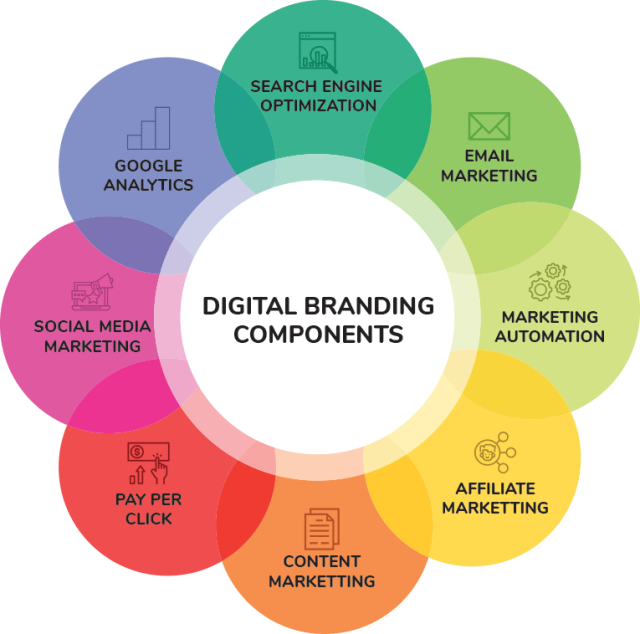 At SkyTechNG, our digital marketing and branding services help businesses thrive in the digital landscape. Our expertise includes:
- SEO and Content Marketing: Boosting online visibility and engagement through optimized content.
- Social Media Marketing: Building brand awareness and community through targeted social media campaigns.
- Digital Advertising: Delivering results-driven digital ad campaigns across platforms.
- Brand Strategy and Development: Crafting compelling brand identities and narratives.
- Analytics and Performance Tracking: Measuring and optimizing digital marketing efforts for maximum ROI.
Our digital marketing and branding services can help you:
- Increase online visibility and reach
- Build a strong brand identity
- Drive website traffic and conversions
- Engage with your target audience
- Stay ahead of the competition
Partner with SkyTechNG to elevate your digital presence and drive business growth. Contact us to learn more.
Ready to Redirect Smarter?
Give every visitor the right experience while gaining valuable insight into your traffic.
WordPress Device Redirect Pro
Why Choose Enhanced WordPress Voting With Payment?
WordPress Device Redirect Pro is a WordPress plugin that automatically redirects visitors to different URLs based on their device and provides detailed visitor and redirect statistics.
The plugin supports iOS, Android, desktop computers, and other device types.
Yes. You can configure different destination URLs for different device types.
Yes. You can promote a single smart redirect URL while the plugin determines the appropriate destination.
Yes. The Statistics section records redirect activity and allows you to see how many times destinations have been accessed.
Yes. Visitor country statistics allow you to see the countries generating your redirect traffic.
Yes. The plugin can record referral information and campaign parameters associated with your redirects.
Yes. You can view:
- Today
- Last 7 Days
- Last 30 Days
- Custom Date Range
Yes. Statistics can be exported as CSV or PDF reports.
Yes. An active WordPress Device Redirect Pro license is required for redirection and statistics functionality.

SkyTechNG is Nigeria’s leading IT service provider, delivering cutting-edge solutions and exceptional services to drive business growth, improve efficiency, and enhance competitiveness.
Company
Services
©2006-2026 Skytechng Integrated Services. All rights reserved | Terms of Service | Privacy Policy